

Questions for the Mac experts:
1. Using the ScintillaGadget, is there any way to enable Ctrl+Mousewheel (or Cmd+Mousewheel) zooming like on Windows? It does not zoom at all in my PB + OS X programs (maybe that's a Scintilla issue).
2. In addition to (maybe in replacement of) Mousewheel zooming, is there a way to use the Plus/Minus keys in AddKeyboardShortcut()? They don't have built-in constants. On Windows, I can use #VK_OEM_PLUS and #VK_OEM_MINUS.
ScintillaGadget zooming on Mac

Re: ScintillaGadget zooming on Mac
CMD + Mousewheel works here by default.
Re: ScintillaGadget zooming on Mac
Strange, Cmd+Wheel does not zoom ScintillaGadget for me.
Maybe it is my mouse's fault (Logitech). The PB IDE does not Cmd+Wheel zoom for me, either. Does the IDE zoom for you?
Maybe it is my mouse's fault (Logitech). The PB IDE does not Cmd+Wheel zoom for me, either. Does the IDE zoom for you?
Re: ScintillaGadget zooming on Mac
It works for me using the Apple Magic Mouse. With Scintilla gadget and with the PB IDE.kenmo wrote:Maybe it is my mouse's fault (Logitech). The PB IDE does not Cmd+Wheel zoom for me, either. Does the IDE zoom for you?
Check your system preferences for "Logitech Control Center", maybe you can change some settings there.
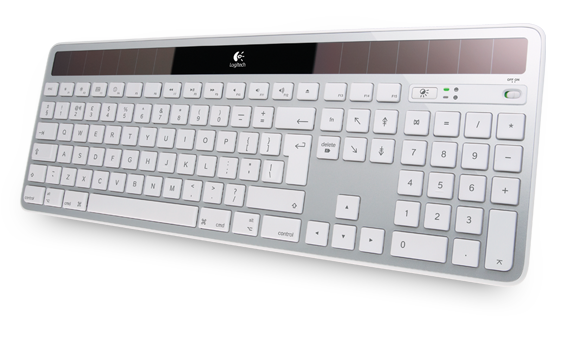
I also have the Logitech Control Center, but for Logitech Wireless Solar Keyboard K750 for Mac (Silver).
Re: ScintillaGadget zooming on Mac
I haven't figured out my Logitech mouse wheel zooming yet.
However I did answer my own question #2 by experiment:
> I can use the constant values 61 and 45 in AddKeyboardShortcut() for the Plus and Minus keys, respectively.
Posting here for future reference
However I did answer my own question #2 by experiment:
> I can use the constant values 61 and 45 in AddKeyboardShortcut() for the Plus and Minus keys, respectively.
Posting here for future reference