How can I add a new color scheme to the editor prefs?
Posted: Tue Feb 06, 2018 12:38 pm
Hello,
is it possible to create and save an own color scheme in the editors prefs? In the IDEs settings there are some predefined color schemes, which I can use as base scheme for one(!) own color set.
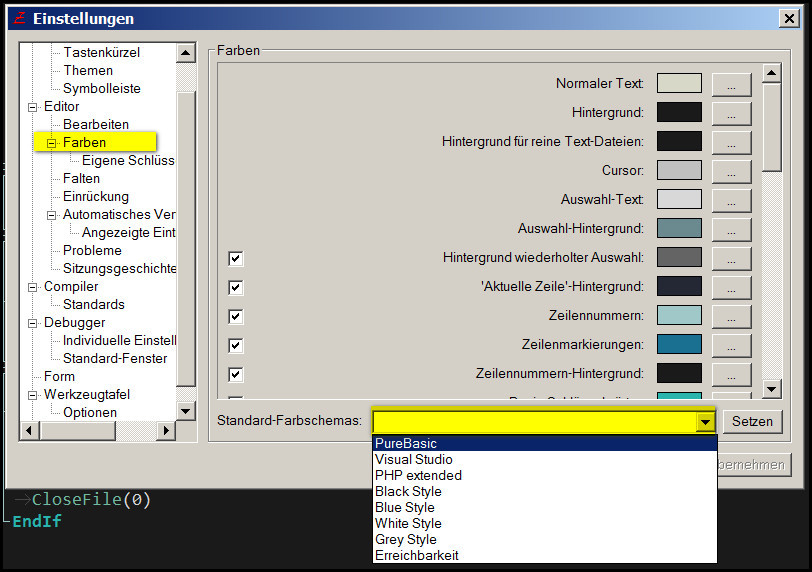
But I want define two color schemes and want to switch between them quickly without changing every color entry in the prefs file separately. I have a color scheme for the day and one for the night, when my eyes are weak.
How I can do this? Can I do this?
is it possible to create and save an own color scheme in the editors prefs? In the IDEs settings there are some predefined color schemes, which I can use as base scheme for one(!) own color set.
But I want define two color schemes and want to switch between them quickly without changing every color entry in the prefs file separately. I have a color scheme for the day and one for the night, when my eyes are weak.
How I can do this? Can I do this?

