Text Selection/Highlight Color for Editor or String Gadget
Posted: Sat Feb 25, 2017 1:13 pm
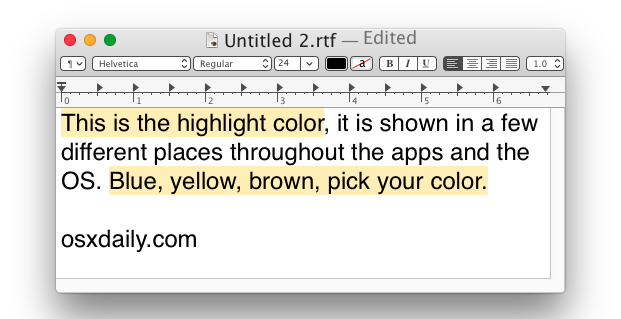
I've found posts for changing the text selection/highlight color for EditorGadget and TextGadget on Windows. Is there any way to do this on MacOS?
http://www.purebasic.com
https://www.purebasic.fr/english/
Code: Select all
If OpenWindow(0, 0, 0, 322, 150, "EditorGadget", #PB_Window_SystemMenu | #PB_Window_ScreenCentered)
  EditorGadget(0, 8, 8, 306, 133)

  Attributes = CocoaMessage(0, 0, "NSDictionary dictionaryWithObject:",
                            CocoaMessage(0, 0, "NSColor orangeColor"),
                            "forKey:$", @"NSBackgroundColor")

  CocoaMessage(0, GadgetID(0), "setSelectedTextAttributes:", Attributes)

  For a = 0 To 5
    AddGadgetItem(0, a, "Line "+Str(a))
  Next
  Repeat : Until WaitWindowEvent() = #PB_Event_CloseWindow
EndIfEXACTLY! That did it!wilbert wrote:Something like this ?Code: Select all
If OpenWindow(0, 0, 0, 322, 150, "EditorGadget", #PB_Window_SystemMenu | #PB_Window_ScreenCentered)
  EditorGadget(0, 8, 8, 306, 133)

  Attributes = CocoaMessage(0, 0, "NSDictionary dictionaryWithObject:",
                            CocoaMessage(0, 0, "NSColor orangeColor"),
                            "forKey:$", @"NSBackgroundColor")

  CocoaMessage(0, GadgetID(0), "setSelectedTextAttributes:", Attributes)

  For a = 0 To 5
    AddGadgetItem(0, a, "Line "+Str(a))
  Next
  Repeat : Until WaitWindowEvent() = #PB_Event_CloseWindow
EndIf
