Page 1 of 1

a simple wireframe start to 3d

Posted: Thu Oct 13, 2016 2:13 am
by Keya
i searched topics for 'wireframe' but 0 results! Im completely new to all things 3D, mainly because i still suck at 2D, but i'd like to get my feet off the ground out of mental curiousity!! Ive browsed through the forum but with so many examples and most of them quite advanced i was hoping somebody who knows their PB 3d coding could help me get started!? I'm just after a plain wireframe box in the middle of 'space' and the pivotal center (no backgrounds or floors or walls etc), and be able to use the mouse to look at it from all angles, maybe even the mouse wheel to zoom in/out? no raycasting or any fancy stuff, just as plain as it gets ... (is this easy??). Maybe somebody even knows of an existing example like this. I dont even know if i need to be using splines or sprites or what! so any simple example would be very much appreciated thankyou! :)

Re: a simple wireframe start to 3d

Posted: Thu Oct 13, 2016 10:32 am
by DK_PETER

Code: Select all

EnableExplicit
;Simple Cube example with rotation and zoom
;Problems?...Try 'OpenGL' as subsystem

InitEngine3D()
InitSprite()
InitMouse()
InitKeyboard()

Global ev.i, x.i, y.i, mx.f, my.f, zoom.f = 0

;Open window and screen
OpenWindow(0, 0, 0, 1024, 768, "Wireframe - Press key 1 or 2 (Escape to Quit)", #PB_Window_ScreenCentered|#PB_Window_SystemMenu)
OpenWindowedScreen(WindowID(0), 0, 0, 1024, 768)

;create the camera
CreateCamera(0, 0, 0, 100, 100)

;Create a object
CreateCube(0, 0.4)

;Create Texture - here we make sure it works with previous PB version
CompilerIf #PB_Compiler_Version >= 550
  CreateTexture(0, 128, 128, "")
CompilerElse
  CreateTexture(0, 128, 128)
CompilerEndIf

;Draw to the newly created texture
StartDrawing(TextureOutput(0))
For x = 0 To 128 Step 32
  For y = 0 To 128 Step 32
    DrawingMode(#PB_2DDrawing_Default)
    Box(x, y, 32, 32, RGB(Random(255, 50), Random(255, 50), Random(255, 50)))
    DrawingMode(#PB_2DDrawing_Outlined)
    Box(x+1, y+1, 30, 30, $AAAAAA)
  Next y
Next x
StopDrawing()

; Create material
CreateMaterial(0, TextureID(0))

;Add material attributes - if needed
MaterialFilteringMode(0, #PB_Material_Anisotropic, 8)
;

;Create entity from object (Cube) - use the material you've created or loaded and position it in 3D space
CreateEntity(0, MeshID(0), MaterialID(0), 0, 0, -2)

Repeat
  
  ;If using OpenWindowedScreen - this next loop is required
  Repeat
    ev = WindowEvent()
  Until ev = 0
  
  ExamineMouse()
  mx = MouseDeltaX() * 0.5 : my = MouseDeltaY() * 0.5
  
  If MouseWheel() > 0 And zoom > -1.5
    zoom - 0.03
  ElseIf MouseWheel() < 0 And zoom < 0
    zoom + 0.03
  EndIf
  
  MoveCamera(0, 0, 0, zoom, #PB_Absolute)
  
  RotateEntity(0, mx , my, 0, #PB_Relative)
  
  RenderWorld()
  
  FlipBuffers()
  
  ExamineKeyboard()
  
  If KeyboardReleased(#PB_Key_1)
    CameraRenderMode(0, #PB_Camera_Textured)
  ElseIf KeyboardReleased(#PB_Key_2)
    CameraRenderMode(0, #PB_Camera_Wireframe)
  EndIf
  
  
Until KeyboardPushed(#PB_Key_Escape)


Re: a simple wireframe start to 3d

Posted: Thu Oct 13, 2016 10:47 am
by Kwai chang caine
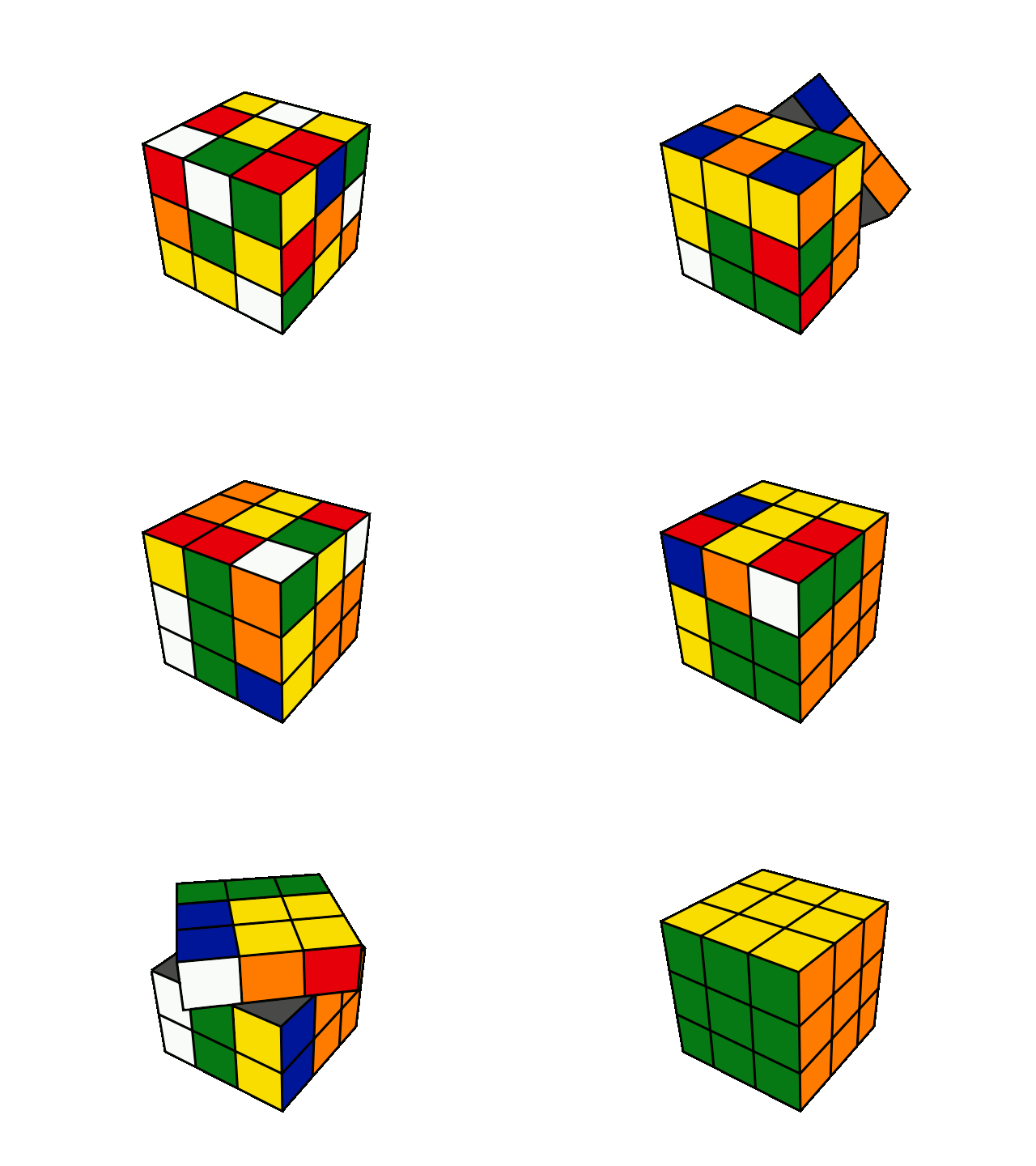
Waooouhhh !!! a Rubik's cube like when i am young :shock: 8)
And never understand how finish the party :oops:

Image
Thanks for sharing DK_PETER 8)

Re: a simple wireframe start to 3d

Posted: Thu Oct 13, 2016 1:39 pm
by applePi
Thank you DK_PETER for the nice example, and for Kwai chang caine for the beautiful graphics.
@Keya, the following cube made from Lines Lists, it is extracted from example MeshManual2.pb to draw a cube from lines, the example haven't created entity but attached the mesh to a node to display and rotate.

Code: Select all

;
; ------------------------------------------------------------
;
;   PureBasic - MeshManual 
;
;    (c) Fantaisie Software
;
; ------------------------------------------------------------
;

#CameraSpeed = 1
#scale = 3

IncludeFile #PB_Compiler_Home + "examples/3d/Screen3DRequester.pb"

Define.f KeyX, KeyY, MouseX, MouseY

If InitEngine3D()
  
  Add3DArchive(#PB_Compiler_Home + "examples/3d/Data/Textures", #PB_3DArchive_FileSystem)
  Add3DArchive(#PB_Compiler_Home + "examples/3d/Data/fonts", #PB_3DArchive_FileSystem)
  Add3DArchive(#PB_Compiler_Home + "examples/3d/Data/Scripts", #PB_3DArchive_FileSystem)
  Parse3DScripts()
  
  InitSprite()
  InitKeyboard()
  InitMouse()
  
  If Screen3DRequester()
    
    ;- Material
    CreateMaterial(0, LoadTexture(0, "White.jpg"))
    DisableMaterialLighting(0, #True)
    
    ;- Mesh Box (using MeshIndex) 
    CreateMesh(5, #PB_Mesh_LineList, #PB_Mesh_Static)
    
    ; Define vertex position of index 0..7
    MeshVertexPosition(-10, -10, -10) ; vertex 0
    MeshVertexPosition(-10, -10,  10) ; vertex 1
    MeshVertexPosition( 10, -10,  10) ; vertex 2
    MeshVertexPosition( 10, -10, -10) ; vertex 3
    MeshVertexPosition(-10,  10, -10) ; vertex 4
    MeshVertexPosition(-10,  10,  10) ; vertex 5
    MeshVertexPosition( 10,  10,  10) ; vertex 6
    MeshVertexPosition( 10,  10, -10) ; vertex 7
    
    ; Define usage of vertices by referring To the indexes, 12 Lines
    MeshIndex(0):  MeshIndex(1)
    MeshIndex(1):  MeshIndex(2)
    MeshIndex(2):  MeshIndex(3)
    MeshIndex(0):  MeshIndex(3)
    MeshIndex(4):  MeshIndex(5)
    MeshIndex(5):  MeshIndex(6)
    MeshIndex(6):  MeshIndex(7)
    MeshIndex(4):  MeshIndex(7)
    MeshIndex(0):  MeshIndex(4)
    MeshIndex(1):  MeshIndex(5)
    MeshIndex(2):  MeshIndex(6)
    MeshIndex(3):  MeshIndex(7)
    
    FinishMesh(#False)
    
    SetMeshMaterial(5, MaterialID(0)) ;
    Box2 = CreateNode(#PB_Any, 0, -30, 0)
    AttachNodeObject(Box2, MeshID(5))
    
    ;-Camera
    CreateCamera(0, 0, 0, 100, 100)
    MoveCamera(0, 0, 10, 100, #PB_Absolute)
    CameraFOV(0, 40)
    CameraLookAt(0, 0,  -20,  0)
    CameraBackColor(0, RGB(0, 0, 40))
    
    ;-Light
    CreateLight(0, RGB(255,255,255), -10, 60, 10)
    AmbientColor(RGB(90, 90, 90))
    glLineWidth_(2) ;affect the lines width if Library subsystem = opengl
    Repeat
      Screen3DEvents()
      
      ExamineKeyboard()
            
      RotateNode(Box2, 0, 0.3, 0, #PB_Relative)
      RenderWorld()
      
      FlipBuffers()
    Until KeyboardPushed(#PB_Key_Escape) Or Quit = 1
  EndIf
  
Else
  MessageRequester("Error", "The 3D Engine can't be initialized", 0)
EndIf

End

CreateMesh(5, #PB_Mesh_LineList, #PB_Mesh_Static)
note the #PB_Mesh_LineList
after describing the cube points by 8 vertices with MeshVertexPosition(x,y,z)
we use:

Code: Select all

; Define usage of vertices by referring To the indexes
    ; Define usage of vertices by referring To the indexes, 12 Lines
    MeshIndex(0):  MeshIndex(1)
    MeshIndex(1):  MeshIndex(2)
    MeshIndex(2):  MeshIndex(3)
    MeshIndex(0):  MeshIndex(3)
.... etc
this means we instruct the 3D engine to:
1- connect vertex 0 to vertex 1 by a line
2- connect vertex 1 to vertex 2 by a line
3- connect vertex 2 to vertex 3 by a line
4- connect vertex 0 to vertex 3 by a line
5- an so on ... it is not obligatory to connect points like this , any 2 points can be connected to make a chaotic shape and you can use thousands of points to make big mesh.
note #PB_Mesh_LineStrip is different, test it, it will consume fewer points since it goes continuously from point a to point z.
we can't cover this cube with a texture, it should be made from triangles, and this is possible if we choose #PB_Mesh_TriangleList when we create the Mesh and in this case we must use triples of MeshIndex to weave triangles
the book PureBasic - A Beginners Guide Chapter 11 talk about 3D, even its examples are old but its essence still alive.
the glLineWidth_(2) line 78 have an effect only if we choose Library subsystem as OpenGL, to draw thick lines, it is also affecting every Mesh drawn as wireframe

Re: a simple wireframe start to 3d

Posted: Fri Oct 14, 2016 12:47 am
by Keya
thankyou very much DK_PETER and applePi!!! :) :) :) really nice beautiful looking demos yet simple enough for me to get my head around. applePi i'll definitely have to check out the PB Beginners Guide again, i hadnt thought of that for this!

Peter btw while your rubiks cube moves around nice and smoothly in Windows, on Linux it 'jumps' from one side to another almost, there's no smooth transition
And on OSX it crashes on "OpenWindowedScreen(WindowID(0), 0, 0, 1024, 768)"

Strange because the following code on its own is ok:

Code: Select all

InitSprite()
OpenWindow(0, 0, 0, 1024, 768, "Wireframe - Press key 1 or 2 (Escape to Quit)", #PB_Window_ScreenCentered|#PB_Window_SystemMenu)
OpenWindowedScreen(WindowID(0), 0, 0, 1024, 768)

Re: a simple wireframe start to 3d

Posted: Fri Oct 14, 2016 9:51 am
by DK_PETER
@Keya

Sorry..I don't use OSX and Linux.

You could try changing the paramaters for OpenWindowedScreen() to:

Code: Select all

OpenWindowedScreen(WindowID(0), 0, 0, 1024, 768, #False, 0, 0, #PB_Screen_SmartSynchronization)
Concerning the smooth transition..
Change the MouseDeltaX()*0.5 to MouseDeltaX()*0.01.
Do the same for MouseDeltaY(). See if this helps.


Here's the same code using OpenScreen() and with lower values for MouseDeltaX() and MouseDeltaY().

Code: Select all

EnableExplicit
;Simple Cube example with rotation and zoom
;Problems?...Try 'OpenGL' as subsystem

If InitEngine3D(#PB_Engine3D_DebugLog) = 0
  MessageRequester("Problem occured", "Read debug log for possible clues")
  End
EndIf
InitSprite()
InitMouse()
InitKeyboard()

Global ev.i, x.i, y.i, mx.f, my.f, zoom.f = 0

;Open Screen
OpenScreen(1024, 768, 32, "Text", #PB_Screen_SmartSynchronization)

;create the camera
CreateCamera(0, 0, 0, 100, 100)

;Create a object
CreateCube(0, 0.4)

;Create Texture - here we make sure it works with previous PB version
CompilerIf #PB_Compiler_Version >= 550
  CreateTexture(0, 128, 128, "")
CompilerElse
  CreateTexture(0, 128, 128)
CompilerEndIf

;Draw to the newly created texture
StartDrawing(TextureOutput(0))
For x = 0 To 128 Step 32
  For y = 0 To 128 Step 32
    DrawingMode(#PB_2DDrawing_Default)
    Box(x, y, 32, 32, RGB(Random(255, 50), Random(255, 50), Random(255, 50)))
    DrawingMode(#PB_2DDrawing_Outlined)
    Box(x+1, y+1, 30, 30, $AAAAAA)
  Next y
Next x
StopDrawing()

; Create material
CreateMaterial(0, TextureID(0))

;Add material attributes - if needed
MaterialFilteringMode(0, #PB_Material_Anisotropic, 8)
;

;Create entity from object (Cube) - use the material you've created or loaded and position it in 3D space
CreateEntity(0, MeshID(0), MaterialID(0), 0, 0, -2)

Repeat

  ExamineMouse()
  mx = MouseDeltaX() * 0.01 : my = MouseDeltaY() * 0.01 ;Values decreased considerably
 
  If MouseWheel() > 0 And zoom > -1.5
    zoom - 0.03
  ElseIf MouseWheel() < 0 And zoom < 0
    zoom + 0.03
  EndIf
 
  MoveCamera(0, 0, 0, zoom, #PB_Absolute)
 
  RotateEntity(0, mx , my, 0, #PB_Relative)
 
  RenderWorld()
 
  FlipBuffers()
 
  ExamineKeyboard()
 
  If KeyboardReleased(#PB_Key_1)
    CameraRenderMode(0, #PB_Camera_Textured)
  ElseIf KeyboardReleased(#PB_Key_2)
    CameraRenderMode(0, #PB_Camera_Wireframe)
  EndIf
 
Until KeyboardPushed(#PB_Key_Escape)

Re: a simple wireframe start to 3d

Posted: Sat Oct 15, 2016 4:05 am
by Keya
yes that fixed the Linux issue thanks and good work! :)
A different problem now on OSX though! ...
now it crashes on the call to OpenScreen() with "[ERROR] Program aborted. (by external library)"