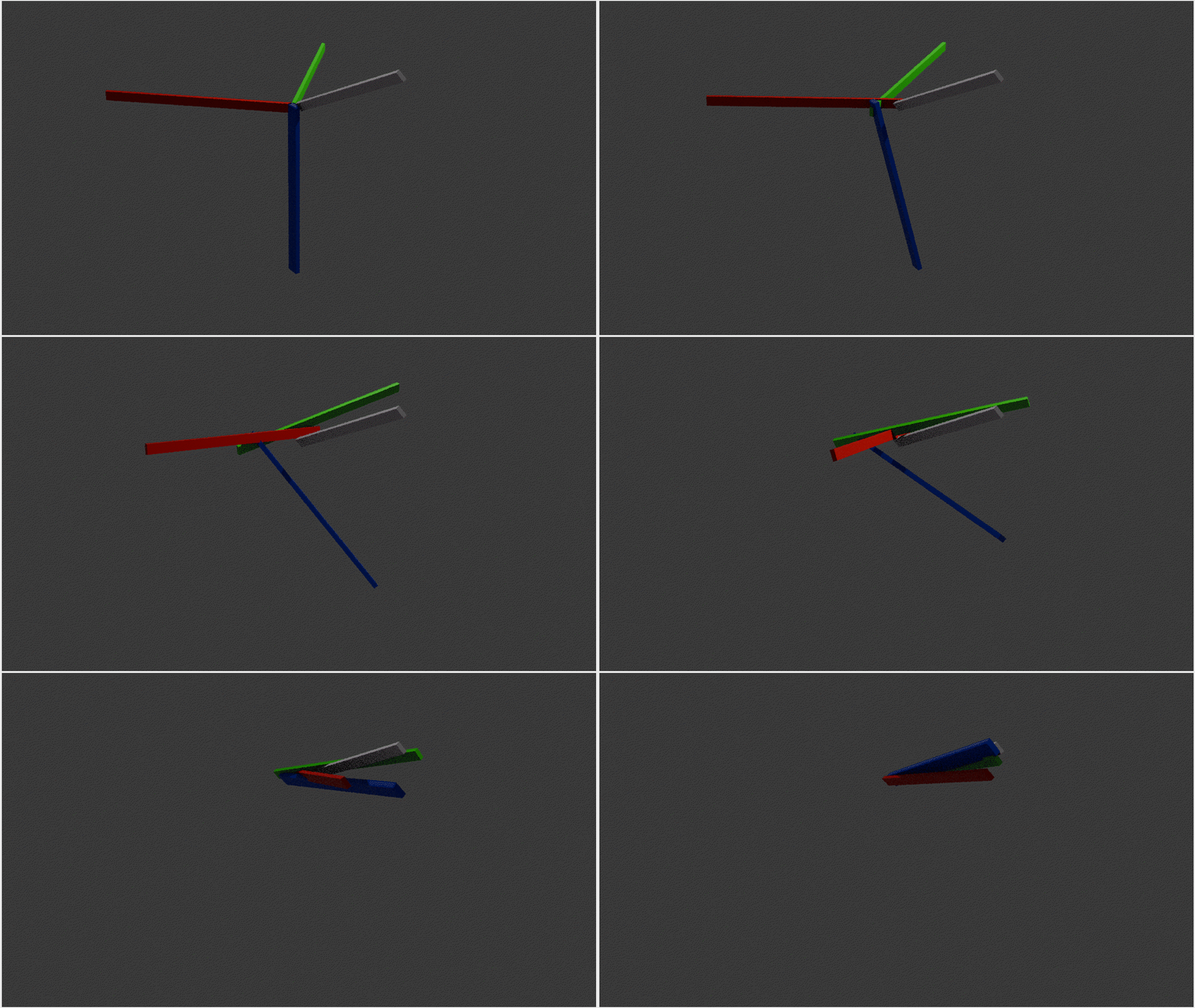
I did not understand anything here.
4D is a tool. More generally "xD" ( or "nD") is a tool.
Just structure the several details of the friends :
Code: Select all
Global Dim LimitedSpace4D.D(15, 15, 15, 15)
This below is a 4D-memory, as I read before, and I thank the author.
But, after, it just is a "
Global Dim" which allocates a 4D space.
This is not a set of procedures.
If you want to master
everything about the 4D, do not think your life has this time to know everything about the 4D.
Just imagine all the characteristics of 1D (a list of floating point numbers)
Code: Select all
Global Dim LimitedSpace1D.D(65535)
What can we see ? A list which have a
begin and an
end.
Physically, this means a
field : we can store in memory 65536 real values and we can consider that the "distance" between two contiguous values, is the same.
I used the number 65535 (plus the index #0) : it just is to show you that we have the fortune to have a good hardware which can help you, in a very strongly regular way, by indexing 16*16*16*16 values : the
LimitedSpace4D(15, 15, 15, 15).
But let's forget a so big number : let's reduce to 4 values.
GLOBAL DIM veryLimitedSpace1D.d(3) and let's imagine we need to manage an unlimited space.
Actually, we use 4 real values, as 4 buildings, each one behind the other one :
Global Dim buildingHeight.D(3).
But, let's imagine, we must calculate the shadows in the floor between building whatever the randomized distance between themselves.
No problem !
Code: Select all
Global Dim BuildingHeight.D(3)
Global Dim BuildingDistance.D(3)
Now... We decide that the planet is not flat anymore !
The planet is now round and very small. It is such small that, behind the 4th building (#3), you find again the first building (#0).
Then, the "BuildingDistance" becomes an angular value.
Code: Select all
Global Dim BuildingHeight.D(3) ; same name
Global Dim BuildingLatitude.D(3) ; name has changed
Now, let's imagine that we live in one of these buildings. And let's imagine we want to create our single planetarium in one room of this building, a planetarium representing this beautiful small planet and its 4 buildings.
Code: Select all
Global Dim BuildingHeight.D(3)
Global Dim BuildingLatitude.D(3)
Global Dim PlanetariumBuildingHeight.D(3)
Global Dim PlanetariumBuildingLatitude.D(3)
Then, now, let's imagine that all these buildings, as if they have been built with any chewing-gums, we lay all them in the perpendicular direction, to the alignment of these buildings.
This means then, that the building height values become any angular values.
Code: Select all
Global Dim BuildingLongitude.D(3)
Global Dim BuildingLatitude.D(3)
Global Dim PlanetariumBuildingLongitude.D(3)
Global Dim PlanetariumBuildingLatitude.D(3)
And, to continue, we destroy the 3 other buildings, because, there is nobody inside them, they contains asbest in their structure, etc...Let's destroy them, them, and their 3 small copies in the planetarium...
Code: Select all
Global Dim BuildingLongitude.D(0)
Global Dim BuildingLatitude.D(0)
Global Dim PlanetariumBuildingLongitude.D(0)
Global Dim PlanetariumBuildingLatitude.D(0)
Let's simplify this:
Code: Select all
Global Dim a1.D(0)
Global Dim a2.D(0)
Global Dim a3.D(0)
Global Dim a4.D(0)
We could say here, that we have a 4D number.
And, let's imagine we observe a second same planet, and we want to know all the interactions between the two planets :
Code: Select all
Global Dim a.D(4, 4)

a(0, 1) = a1
a(0, 2) = a2
a(0, 3) = a3
a(0, 4) = a4

a(1, 0) = b1
a[2, 0) = b2
a(3, 0) = b3
a(4, 0) = b4
Here, even if we have a 16D object, even if, considering the zeroed indices, we have a 25D object, we cannot talk about a 16D object, nor a 25D object. We can just say we want all the interactions between the two 4D objects.
This results in 4 * 4 interactions, which are
not independant
neither respective : these 16 interactions are just distributive.
Code: Select all
For jj = 1 To 4
 For ii = 1 To 4
  CallFunctionFast(*operation, @a(jj, ii), a(0, ii), a(jj, 0) )
 Next
Next
... where *operation can point to a set of 4D procedures.
 ). But in that case 'Sheldon Cooper' surely has the answer.